
Live in-app chat
Connect instantly with a support specialist through the driver app. Average response time under 2 minutes.
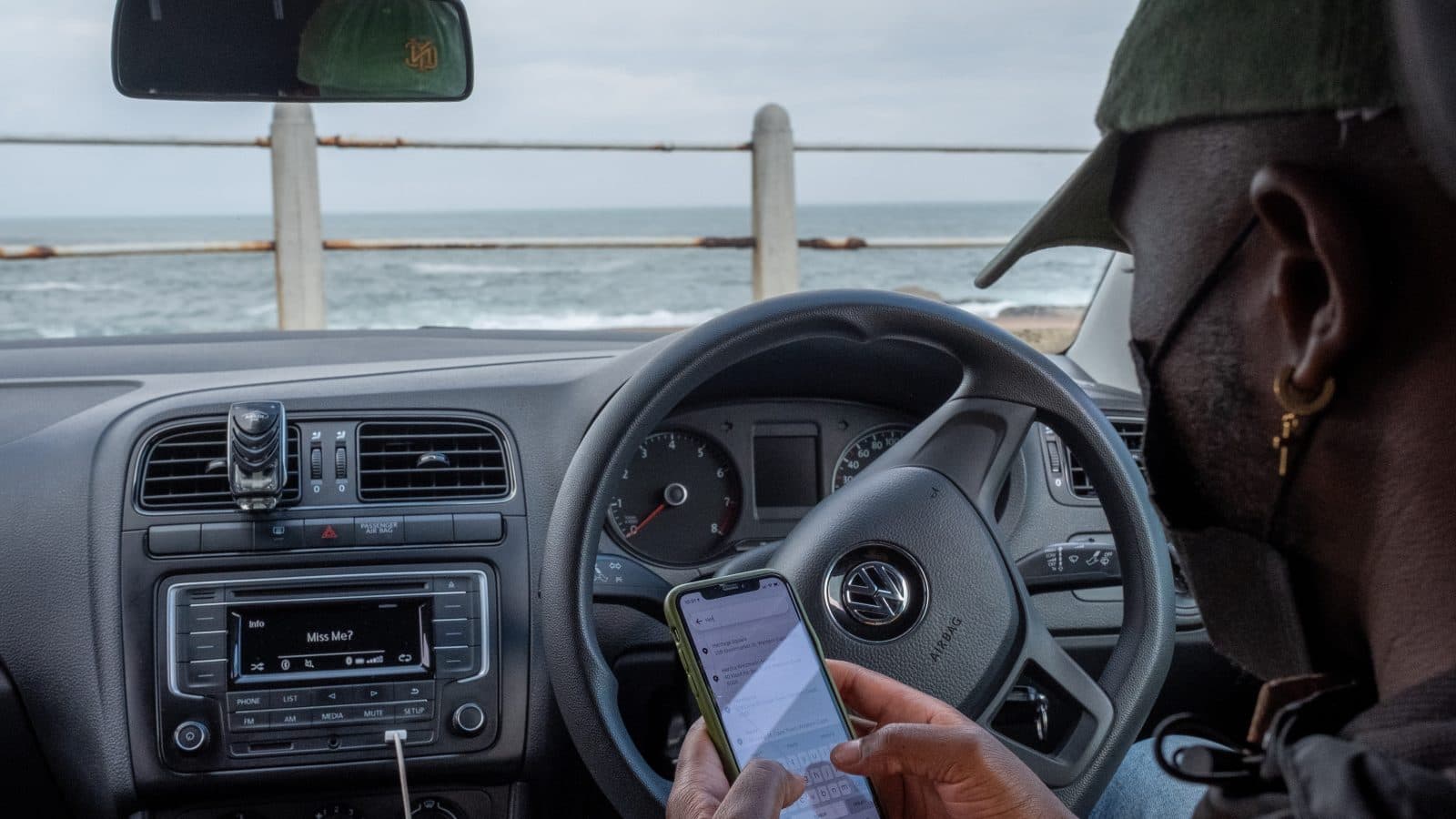

Dedicated support for drivers — fast answers, real help, and resources that keep you earning confidently.
< 2 min
Avg. response
24 / 7
Availability
10+
Languages
98%
Issues resolved
Ways we support you
Connect instantly with a support specialist through the driver app. Average response time under 2 minutes.
Speak directly with our driver support team any time of day or night — no bots, no queues.
Browse hundreds of guides, FAQs, and tutorials covering every aspect of driving with Dropme.
Connect with thousands of experienced drivers, share tips, and find answers from peers who've been there.
Report safety concerns, ride disputes, or payment issues through the app. We investigate and respond within 24 hours.
Missing a payment or need a fare adjusted? Our payment team resolves earnings issues quickly and fairly.
How to get help
Tap the menu icon and go to the Support section — accessible anytime, even mid-trip.
Select from common topics like earnings, trips, account, or safety for instant guided help.
Chat live, call, or submit a report. Agents are trained specifically for driver issues.
Get real-time updates on open tickets and resolved cases directly in the app.


Driver resources
The complete guide to platform policies, best practices, and earning strategies from top drivers.
Track your income, review trip history, and access weekly earnings breakdowns with instant payout support.
Access SOS tools, emergency contacts, safety training materials, and insurance information all in one place.
Stay informed with the latest app features, navigation tips, and driver program announcements.

Common topics
Questions, answered
Can't find your answer here? Our live support team is available 24/7 through the driver app.
Chat with supportLive chat agents typically respond within 2 minutes. Phone support has no hold queue for drivers. Email and ticket submissions receive a response within 24 hours.
Go to the Earnings section in the app, find the trip in question, and tap 'Report an issue'. Our payment team will review and resolve it within 48 hours. If verified, corrections are applied immediately.
Yes. Submit an appeal through the app or by contacting support directly. Include any relevant context or evidence. Our review team processes appeals within 5–7 business days.
You can submit separate tickets for each issue through the app's Support section. This ensures each case is reviewed by the right team without delays.
Our support team covers multiple languages including English, French, Spanish, Arabic, and others. In-app chat will automatically connect you with an agent in your preferred language.
All trip data is backed up in real time. If the app crashes, restart it and the trip will resume automatically. If data is lost, contact support with the trip time and location and we'll recover it.
You'll need a valid driver's licence, government-issued ID, vehicle registration, and insurance. Requirements may vary by city — check the Help Center for local specifics.
Use the SOS button for emergencies. For post-trip reports, go to the trip in your history, tap 'Report an issue', and select the safety category. Our safety team responds immediately.
From your first trip to your thousandth, Dropme's driver support team has your back around the clock.